Overlays that pop
Drop them into OBS — themed to your colours, animated and alive.
Alerts, text-to-speech, sound effects, music requests, goals, animated OBS overlays, games and gift-triggered actions — all in one Windows app that connects straight to your stream.
Windows 10/11 · free to download · enter a licence key to unlock · cancel anytime
A quick look at what your LIVE becomes.
One app instead of ten. Set it up once and let your viewers drive the action.
Make any gift, like, follow, share or chat command trigger whatever you want — sounds, keystrokes into your game, overlays and more.
Read chat and gifts aloud with a huge voice picker — TikTok, natural AI, singing voices, per-viewer voices and filters.
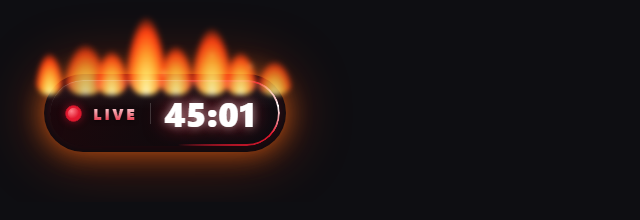
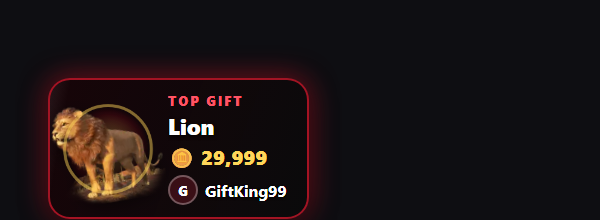
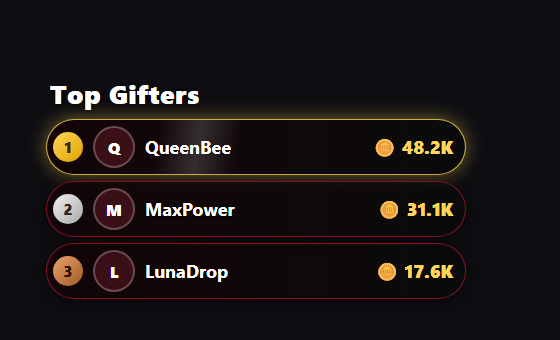
Glowing, flickering, on-fire overlays with motion effects — top gift, tip jar, leaderboards, goals and more, all customisable.
Show the gift's animation on your Top Gift overlay, looping — drop in your own files and it plays automatically.
Play sound effects on gifts, follows and commands. Built-in library plus one-click MyInstants search.
Let viewers request songs through Spotify or Apple Music, with your rules and announcements.
On-screen goals, sub-athon timers, round/death counters and hype trains that fill as gifts roll in.
A customisable prize wheel, boss battles, Plinko, team tug-of-war, trivia and more — each can run an action.
Jumpscares, flashbangs, cracked-glass and more — on your actual screen as well as the stream.
Drop them into OBS — themed to your colours, animated and alive.
No coding. Connect your account, pick your triggers, add the overlays to OBS.
Download the app and enter your TikTok username. It connects to your LIVE automatically.
Choose what each gift, like or command does — sounds, TTS, keystrokes, overlays, the wheel.
Paste the overlay links into OBS or LIVE Studio and go live. Your viewers do the rest.
Drop-in browser sources for OBS and TikTok LIVE Studio — each one themeable to your colours.
One plan, everything included. Cancel whenever you like.
Secure payment by Stripe. How licensing works
Or download free first — it stays locked until you enter a key.
A Windows 10 or 11 PC and a TikTok account you go LIVE with. For stream overlays, OBS Studio or TikTok LIVE Studio.
After subscribing you get a licence key. Enter it once and it activates on that PC. It works offline for a while if your internet drops. To move to a new PC, remove it from the old one first (Settings → Licence) and activate on the new one.
Yes, anytime from the “Manage subscription” page. You keep access until the end of the period you've paid for. See our refund policy.
Yes. The overlays are browser sources that work in OBS Studio and TikTok LIVE Studio.
Your setups stay on your PC. Licence checks only send your key and an anonymous PC ID. See the privacy policy.
Email reppysinteractive@gmail.com and we'll get back to you.
Download free and try it in minutes. Unlock everything for $9.99/mo.